1) Fill out relevant information on form
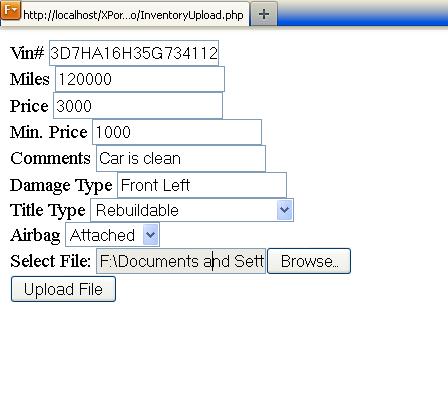
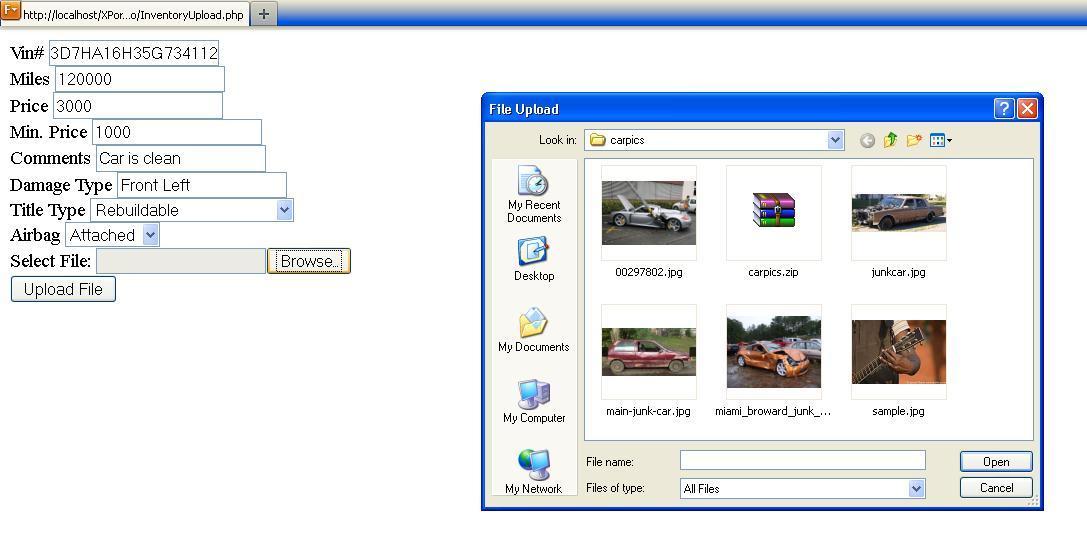
2) Select a zip file containing all the pictures your want to upload/watermark and then press "Upload File"
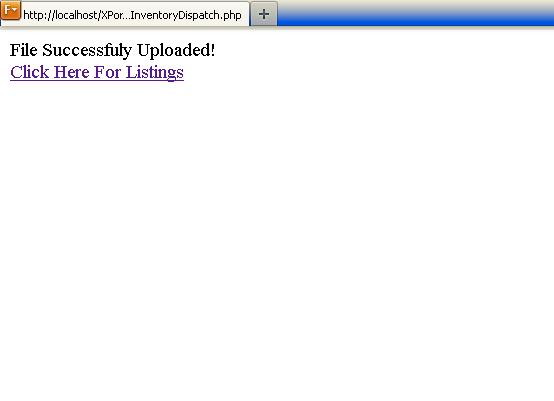
3) After information is successfully updated, click link to goto inventory listing
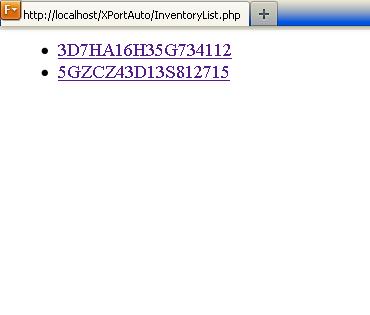
4) Select an uploaded inventory item (for now displayed by vin)
5) First read circle shows information obtained from decoded VIN (using decodethis.com). Second circle shows uploaded pictures automatically watermarked